To login you will need to enter the email and password which you originally used to set-up your account, and then click Login*.
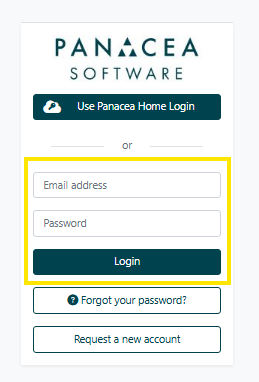
*You may be asked to provide a login/authenticator code if the site is set-up with MFA. See here for more details.
If you are a Contracting Authority/ Client organisation, you may be able to login with Single Sign-On (SSO). In which case you can select the button Use [Sitename] Login (this will be found under the site logo).
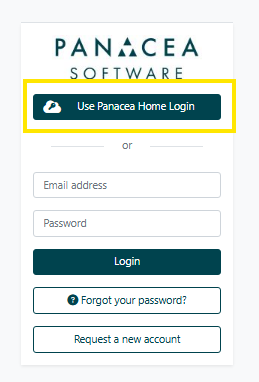
At this point, you can provide your Microsoft credentials.
If you do not have an account on the relevant site, you will need to first request an account.
Please note that an account is unique to each relevant Panacea site - so if you already have an account on one site and want to access another, you will need an account on that specific site too.
If you already have an account but cannot login you will need to request a password reminder.
Was this article helpful?
That’s Great!
Thank you for your feedback
Sorry! We couldn't be helpful
Thank you for your feedback
Feedback sent
We appreciate your effort and will try to fix the article